WhatsApp Plus
Download or update WhatsApp Plus APK 2025 Latest Version improved and customized privacy options, share data without limit or size.

Safe & Secure

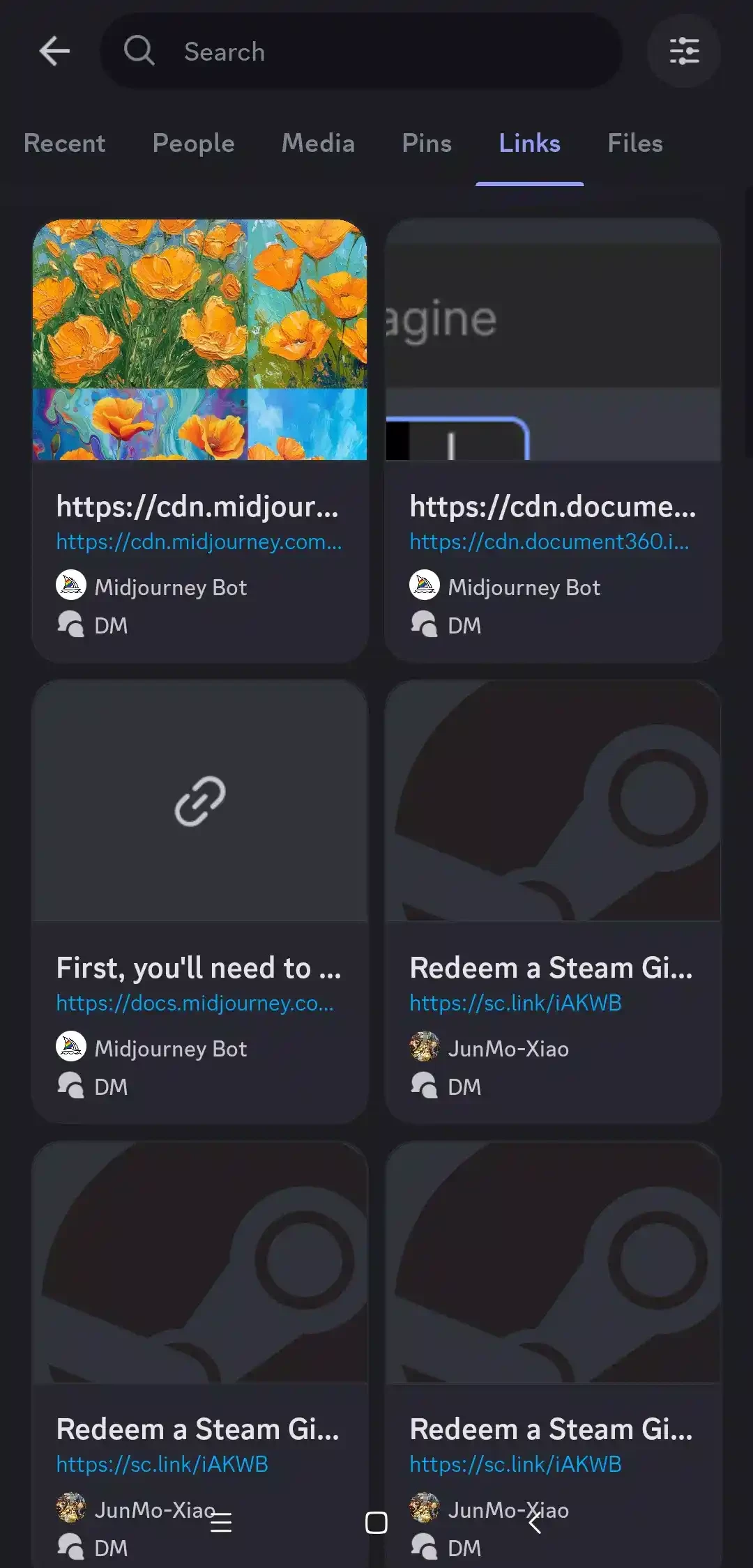
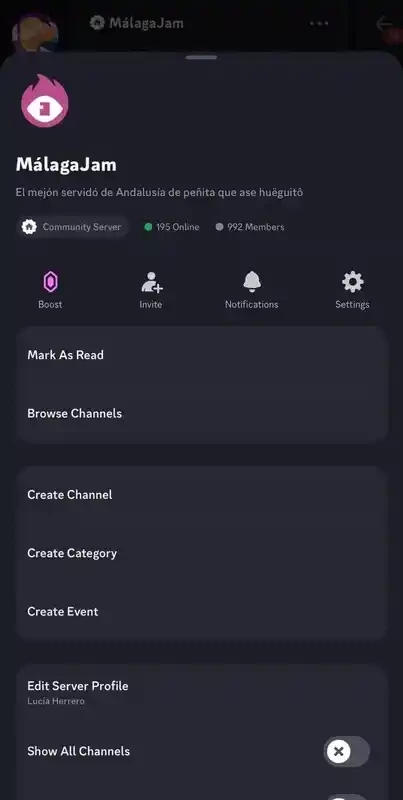
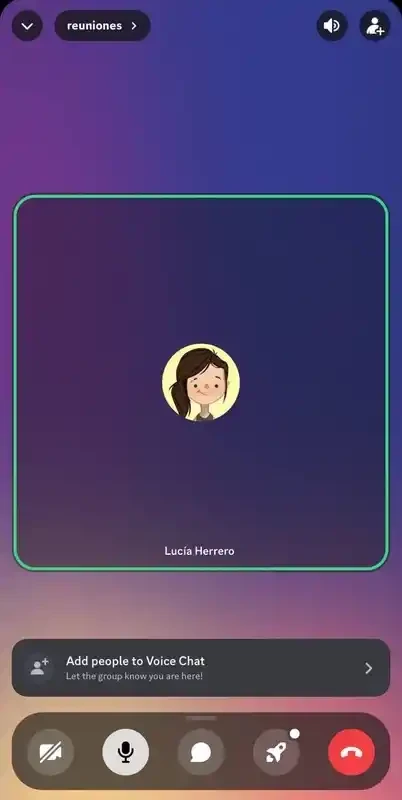

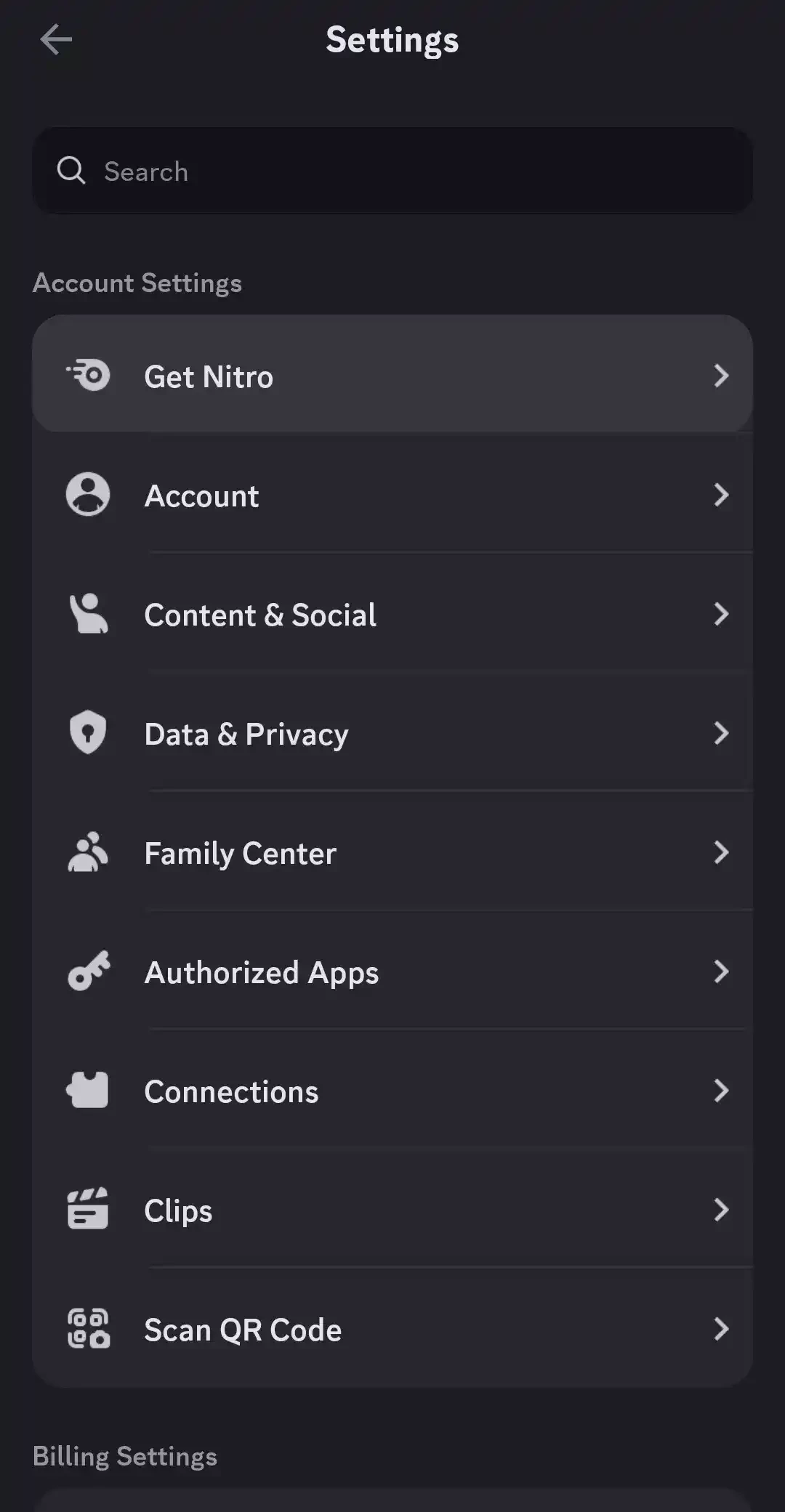
Discord is a comprehensive socio-sharing platform used as a virtual space for creating and participating in communities, and connecting with friends. It allows users to send and receive messages, images, videos, voice notes, stickers, and so on. It also enables users to share their screens, specifically designed for gamers to stream live sessions of their games.
It works similarly to other messaging apps, such as WhatsApp, Slack, etc to enable the organizers or creators to use clear roles and moderation tools for building spaces easily. It is a multi-platform utility to allow users to sync their data across multiple devices and enjoy non-stop entertainment.
Also available for: Windows
Discord is a simple yet powerful communication hub while offering all types of connection methods, including voice calls, video calls, text messages, and media sharing. It is a VOIP-based platform with instant messaging facility that allows the create their own servers that work like chat rooms and voice channels, and invite others via links.
It is developed by Jason Citron, the founder of OpenFeint (gaming platform), and Stanislav Vishnevskiy, another gaming founder. It is basically designed for gamers and allows gamers to coordinate the matches and hobby groups, chatting as well.
No doubt, the platform very quickly creates seamless connections among people with the same interests, hobbies, or communities. In this way, you can enhance your belonging and shared experience while connecting to like-minded individuals. It allows users to create their own servers and invite others using the invite links.
The real-time communication facility helps users to start conversations with their friends and family with both voice and video calls. The call quality is awesome, regardless of using the app for gaming, collaborating, or simply connecting to your loved ones. It also facilitates the screen sharing process across multiple devices for the ease of users to connect with others hassle-free.
The support for dedicated channels keeps your discussions organized and focused while working as text and voice, but both types of channels behave in different ways. In text channels, you will feel like a standard group chat and share your messages, reactions, and media. Whereas voice channels offer a virtual room, and the members who join the channel are part of a live voice chat. It is also possible to view how many members are connected to the chat room. In addition, you can start one-to-one conversations, direct messages, and even video calls from a profile.
The availability of multiple customizable bots allows users to complete multiple tasks, such as organizing and moderating chat. It helps to maintain the channels, such as defining roles, assigning different permissions, and also monitoring the activities using those roles. In this way, you can create moderator-only spaces or exclusive rooms to allow special access for selected members.
The app also a paid version, called Nitro that helps to expand your customization such as creating of your own emojis, control the roles in the server, play background audio in voice channels, and so on. The program, as a virtual space, allows users to stay in touch and enjoy sharing experiences with their digital community, regardless of using the app as a content creator, playing online games, and so on.
The mobile version also offers short Voice messages in direct messages, group DMs, and servers. It allows adding more than 200 members, and the use of Krisp noise cancellation for clips to offer crystal clear audio. You can use this on any platform that has multiple personal options along with regular texting.
The app offers regular updates that are accessible through a customizable notification system. You can customize the notifications according to your requirements, as they alert you about specific channels, mentions, etc., so no need to be overwhelmed with irrelevant information; instead, tailor the notifications to stay informed only about the required information.
Discord is the best solution to play online games, as it offers awesome interactive options such as creating thematic channels for your own server. It reliably allows you to play your favorite game with your friends, such as Minecraft, League of Legends, Valorant, and so on. You can share your screen with others and watch gameplay. In addition, use different threads for replying to the comments made in the thematic channel.
Pros
Cons

Download or update WhatsApp Plus APK 2025 Latest Version improved and customized privacy options, share data without limit or size.

Download GB WhatsApp APK Anti-Ban 2025 Updated Version that offers to hide some of your private chats, and Scheduler your Messages.

YOWhatsApp (YoWA), a combination of Whatsapp classic and additional features

Fouad iOS WhatsApp offers a unique Apple iPhone-style interface

FM WhatsApp is the Latest Version mod of WhatsApp, offering all the missing additional features

JTWhatsApp Download or update and join your community with limitless privacy, customization, and other features